 Finance Bro
Your money,
a little clearer.
An expense tracker and budget planner for everyday life. See where your money goes, keep your accounts organised and make your next decision with a clearer picture.
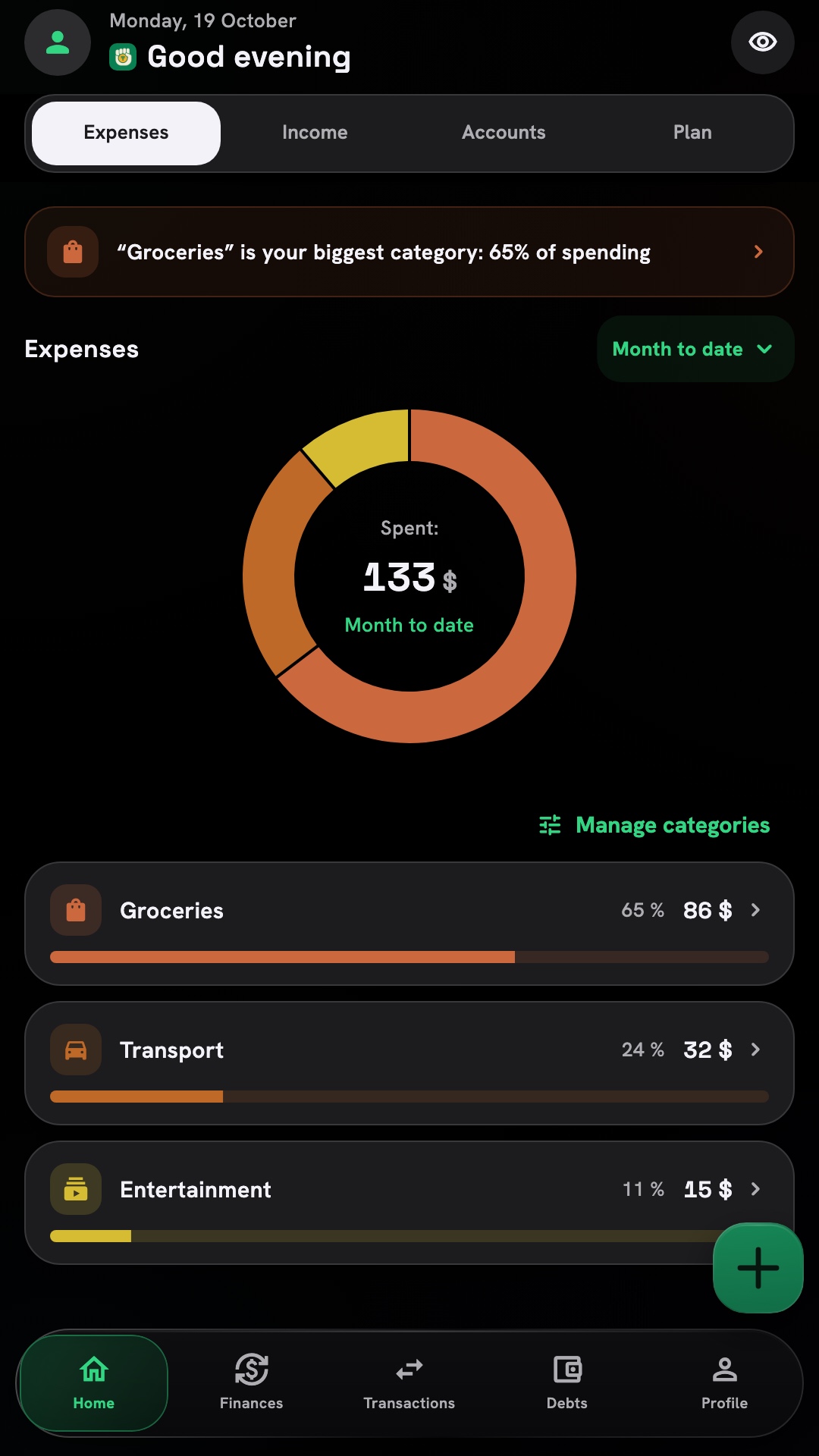
Less catching up. More understanding.
Start with one expense
Record an amount, category and account. Core personal bookkeeping works offline without creating a cloud account.
Bring your records together
Import supported PDF, CSV and Excel bank statements. Review the amounts, accounts and possible duplicates before saving.
Plan beyond today
Set category budgets, follow savings goals and keep subscription dates and debt repayments in view. Optional shared features need sign-in and internet access.
A useful place to start
Practical guides to the numbers and the tools behind them.
- How to track expenses without losing track of your accounts
A useful money tracker answers two different questions: how much you spent and how much is left. Keep those numbers separate from the first record.
- Import a bank statement with a review before saving
A statement can save manual entry, but its layout is not a universal standard. Use the review screen to make sure the imported records describe the right account and period.
Before you download
Is Finance Bro a financial tracker?
Yes. It helps you record personal income and expenses, organise accounts and plan a budget. It keeps records; it does not move money or make bank payments.
Can I use it without connecting my bank?
Yes. You can enter records manually. A local account in Finance Bro represents a card, wallet or cash balance; creating one does not connect to your bank.
Does it work without the internet?
Core personal bookkeeping works offline. Cloud backups, shared online features and current market data need an internet connection. Optional Pro features and availability are shown in the app.
Will every purchase be recorded automatically?
No. Automation depends on the supported source, device, permissions and setup. iPhone Wallet automation and Android notification access are different workflows. Review uncertain transactions before saving.
Why can my balance differ from my expenses?
Expenses describe spending during a selected period. A balance also includes the starting amount, income and transfers over the account history. If the numbers still do not reconcile, contact support before changing the balance.
Start with the next expense.
Choose your device. You can start with manual bookkeeping and set up the optional tools later.